









Is Your Computer Slowing Down? Here Are 12 Reasons—and the Fixes
October 1, 2025
Complete Guide to Fix Mobile Printing Issues on iPhone and AndroidShop
October 27, 2025
How to Connect a Soundbar to Your TV: A Simple Step-by-Step Guide
Upgrading your TV’s audio is one of the best ways to transform your home entertainment experience—and a soundbar is the easiest place to start. Whether you want louder volume, deeper bass, or clearer dialogue, connecting a soundbar doesn’t require any technical skills. In fact, most setups take just a few minutes.
This step-by-step guide explains how to connect a soundbar to any TV using HDMI ARC, Optical, Bluetooth, and AUX—plus tips for choosing the best connection for your setup.
Connect Using HDMI ARC (Best Option)
HDMI ARC (or eARC) is the most recommended method because it gives you:
-
The best audio quality
-
Dolby Audio / Dolby Atmos support (with eARC)
-
Volume control with a single remote
What you need:
A TV and soundbar with HDMI ARC or eARC ports.
Steps:
-
Find the HDMI ARC port on your TV (look for “ARC” or “eARC” above the port).
-
Plug one end of an HDMI cable into your TV’s ARC port.
-
Plug the other end into the soundbar’s HDMI ARC port.
-
Turn on both devices.
-
On your TV, go to Settings > Sound > Audio Output and choose HDMI ARC.
-
Enable CEC on the TV if audio doesn't work (sometimes called Anynet+, Simplink, or Bravia Sync depending on TV brand).
Your soundbar should now work with your TV remote.
Connect Using an Optical Cable (Great for Most TVs)
If your TV doesn’t support HDMI ARC, an optical cable is the next best option.
Benefits:
-
High-quality digital audio
-
Widely supported on older and newer TVs
Steps:
-
Find the Optical Out (Digital Audio Out) port on your TV.
-
Connect one end of the optical cable to the TV.
-
Connect the other end to the soundbar’s Optical In port.
-
Change your TV’s Audio Output to Optical.
-
Turn off the TV speakers in the sound settings.
You’re good to go!
Connect Wirelessly Using Bluetooth (Fast & Convenient)
Bluetooth connection is great if you want fewer cables and your soundbar supports wireless audio.
Steps:
-
Turn on Bluetooth on your soundbar (usually a “BT” button).
-
Open your TV’s Settings.
-
Go to Sound > Sound Output > Bluetooth Speakers.
-
Select your soundbar from the list.
Note:
Bluetooth can have slight audio delay, so it’s not the best option for gaming.
Connect Using AUX or RCA (For Older TVs)
If your TV is older, it may only support AUX (3.5 mm) or RCA (red/white) audio output.
Steps:
-
Plug the AUX/RCA cable into the TV’s Audio Out port.
-
Connect the other end to the soundbar’s AUX In or Line In.
-
Change TV speakers to External Audio in settings.
While simple, this method offers lower audio quality than HDMI or Optical.
Connecting a Soundbar With a Wireless Subwoofer
Many soundbars come with a wireless subwoofer for deep bass.
How to pair:
-
Turn on the soundbar and subwoofer.
-
They should automatically sync.
-
If not, press the Pair button on the subwoofer and soundbar.
(Check your soundbar’s brand guide for specific instructions.)
Troubleshooting Tips
-
No sound? Make sure the TV’s audio output is set correctly (HDMI ARC, Optical, Bluetooth).
-
Echo or delay? Turn off TV speakers when using a soundbar.
-
HDMI ARC not working? Enable TV CEC settings.
-
Bluetooth drops? Move the soundbar closer to the TV and remove obstacles.
Final Thoughts
Connecting a soundbar to your TV is easier than it sounds. Whether you use HDMI ARC, optical, Bluetooth, or AUX, the setup usually takes just a few minutes and instantly improves your TV’s audio quality. With the right connection method, you’ll enjoy clearer dialogue, richer sound effects, and a more cinematic experience at home.
-
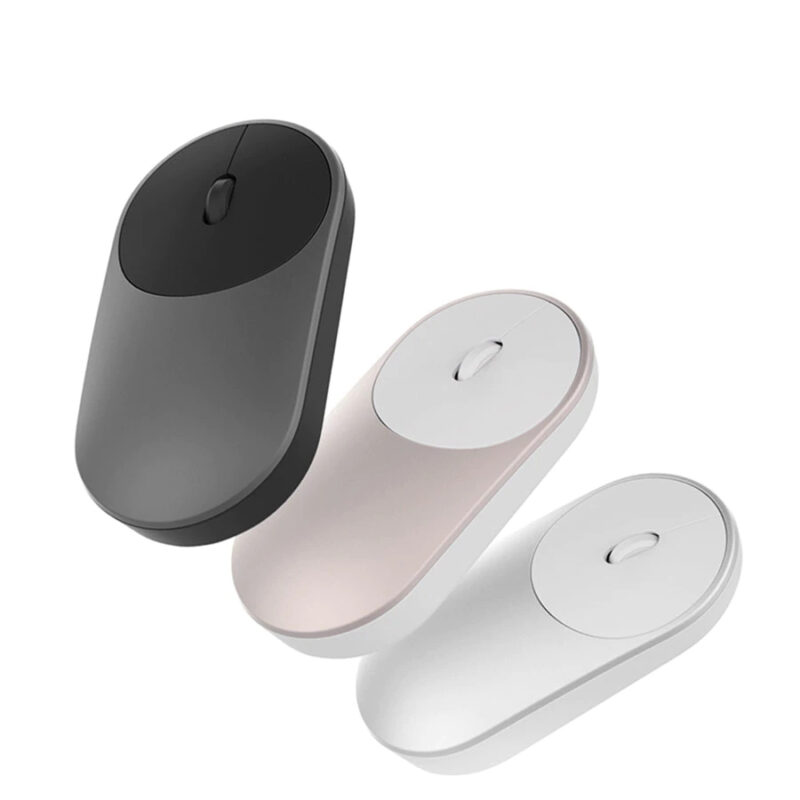
Xiaomi Portable Mouse in Different Colors
$17.56 – $18.26Item Type: Mouse Material: ABS Type of Connection: Wireless Power Supply: Battery Size: 11 x 5.7 x 2.4 cm / 4.33 x 2.24 x 0.94 inch Operating […]
-
Women’s Zebra Patterned Phone Case for iPhone
$3.92 – $4.00Item Type: Phone Case Material: Silicone Gender: Women Compatible with: Apple iPhone Function: Anti-Knock, Dirt-Resistant Package Includes: 1 x Pc
-
Women’s Floral Printed Phone Case for iPhone
$3.79 – $4.56Item Type: Phone Case Material: Silicone Gender: Women Compatible with: Apple iPhone Function: Anti-Knock, Dirt-Resistant Package Includes: 1 x Pc
-
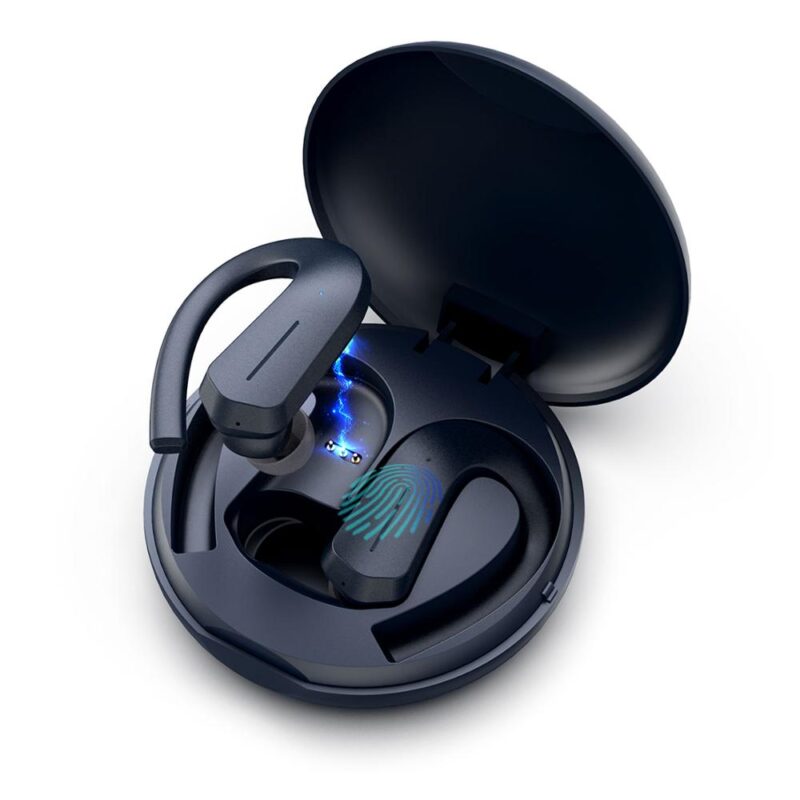
Wireless Waterproof Earphones for Sports
$15.80 – $19.98Item Type: Wireless Earphones Vocalism Principle: Hybrid Technology Control Button: Yes Active Noise-Cancellation: No Communication: Wireless Volume Control: No Sensitivity: 98 dB Wireless Type: Bluetooth Bluetooth […]
-
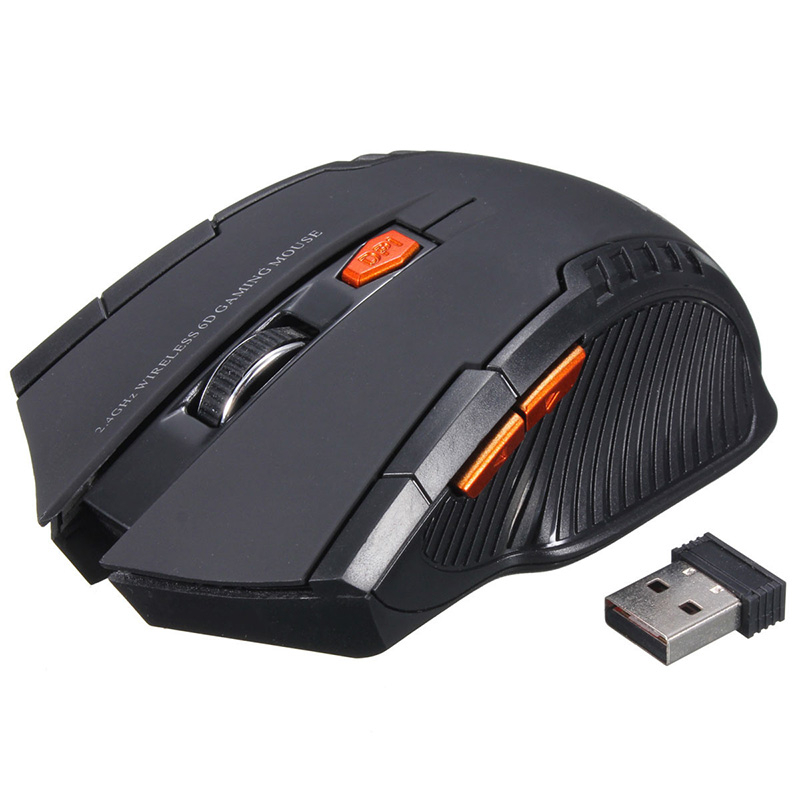
Wireless Optical Computer Mouse
Original price was: $6.27.$5.01Current price is: $5.01.Item Type: Computer Mouse Gross Weight: 60 g / 0.13 lbs Power Type: Battery Hand Orientation: Right Package Includes: 1 x Pc
-
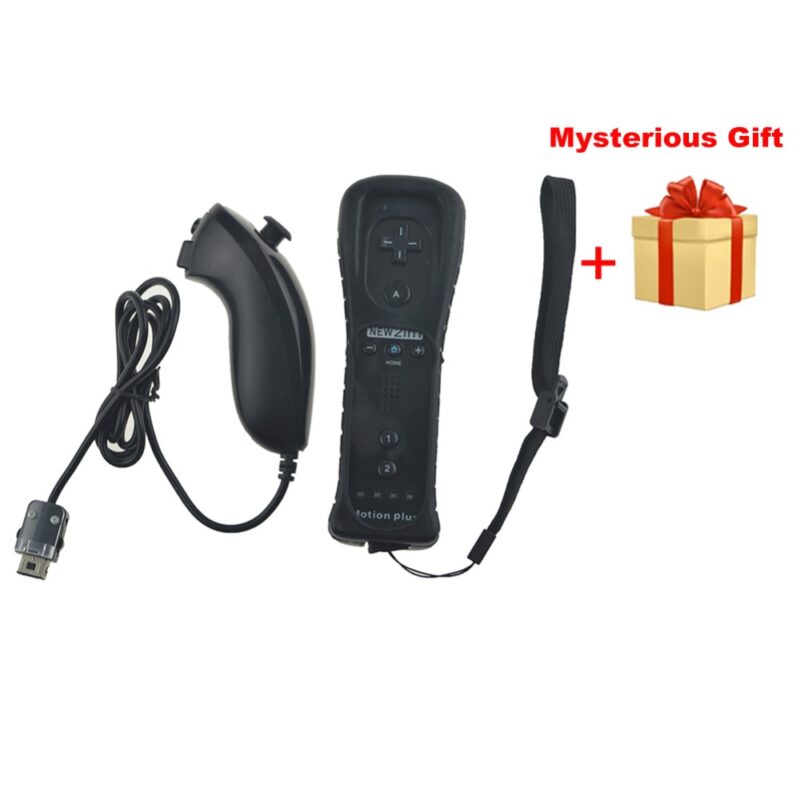
Wireless Nunchucks For Nintendo
$10.87 – $22.49Item Type: Controllers Compatibility: Nintendo Wii Features: Controllers, Nunchucks, Wireless Controllers, Nintendo Controllers Package Includes: 1 x Controller